Facebook giveaway rules: why "tag 3 friends" can get you in trouble
"Like, share and tag 3 friends" is the most common giveaway on Facebook, and it goes against Meta's rules for Pages. Here's what the rules say, and a simple way to run yours instead.
Nov 18, 2026 · 4 min read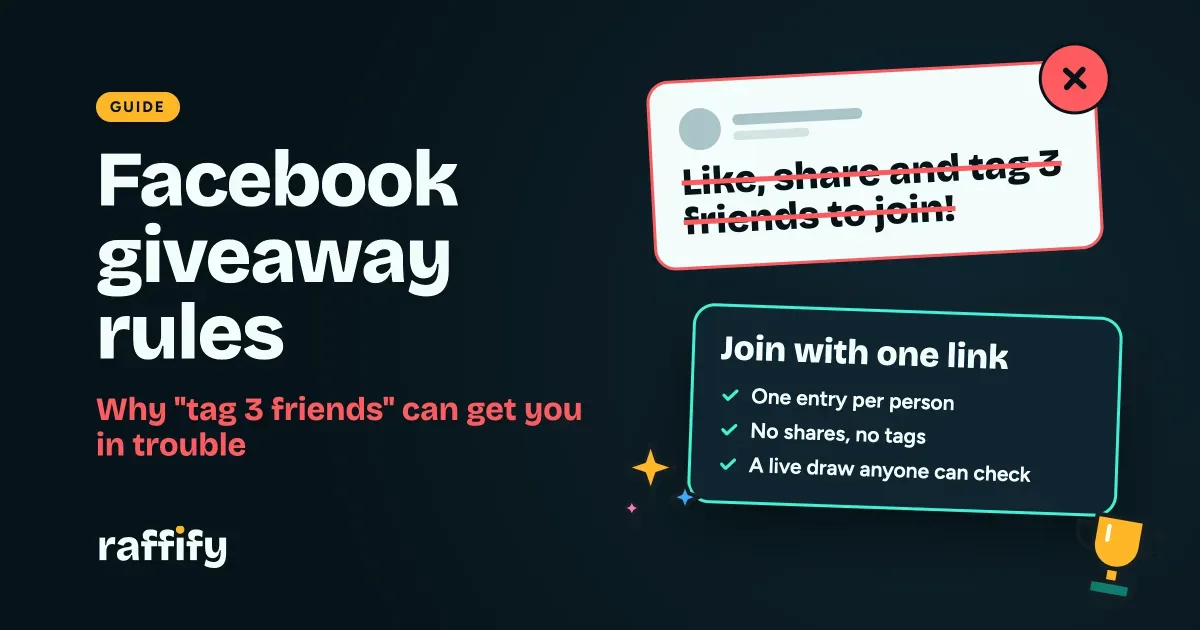
"Like, share and tag 3 friends to join!" You've seen it hundreds of times, and it may even be how you've run your own giveaways. But those Facebook giveaway rules aren't the ones Facebook actually wrote. Meta's policy says a promotion can't ask people to share it or tag others. Here's what the policy says and how to run a giveaway without relying on either.
What Meta's rules say
These come from Meta's Pages, Groups and Events Policies. If you use a Page, group or Event to announce or run a promotion, here's the short version:
- Follow the law. You're responsible for your promotion meeting the rules where you run it. That includes official rules, offer terms, who can join and any registration required.
- Don't ask people to spread it. Your promotion must not require or reward people for sharing it, reposting it or tagging others.
- Include a release. Participants must release Meta from liability and acknowledge that the promotion isn't sponsored, endorsed or run by Meta, or connected with it.
- Expect no help. Meta won't help you run your promotion, and using its services to do so is at your own risk.
Meta can change its policies at any time, so read the current version before you launch. This guide isn't legal advice.
What to change in your next giveaway
| Instead of this | Do this |
|---|---|
| "Share this post to join" | "Join using the link" |
| "Tag 3 friends to join" | Let people tag friends if they want to, with no extra entries or chances for doing so |
| "Share for an extra entry" | One entry per person, for everyone |
| "We'll pick a winner in the comments" | Draw live, and let anyone check the result |
| No written rules | Post your mechanics with the giveaway |
Why you shouldn't count comments anyway
Even if you set the rules aside, picking winners from comments causes its own problems:
- Comments get missed. Facebook may hide or collapse some comments, and people can be left out without knowing.
- It's easy to fake. One person with five accounts gets five chances.
- It looks rigged. Scrolling and pointing at a name gives people plenty of room to doubt you. A random-name tool on your screen doesn't prove much more, because viewers can't tell what was fed into it.
- There's no record. When someone asks who entered, you don't have an answer.
A better way to run a Facebook giveaway
1. Move entries to a link
Make the raffle on Raffify and post the sign-up link on your page. Each person joins once with their own account, so you always have a clean list, and nobody has to comment, share or tag anything.
2. Post your rules with the giveaway
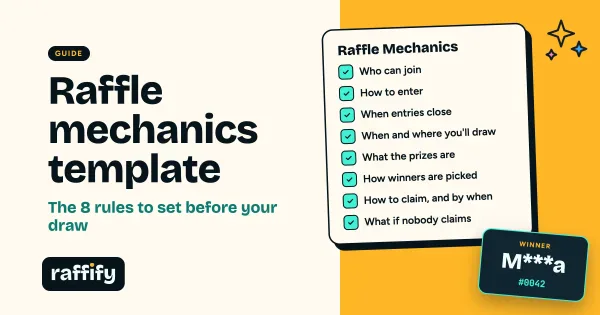
Put the mechanics in your raffle's description and link to it from your post. Start with our raffle mechanics template, and add this line for Facebook:
By joining, you fully release and hold Meta harmless from any liability related to this promotion. This promotion is in no way sponsored, endorsed, administered by, or associated with Meta.
3. Write a post people want to share
People will still share a good giveaway. They just can't be required or rewarded for it. Show the prize and the date, make it easy to join, and let your followers decide:
🎁 We're giving away [prize] to [number] followers!
Joining is free and takes less than a minute: [link]
One entry per person. Entries close [date]. We'll draw the winners live on our page on [date and time], and anyone can check that the draw was fair.
Full rules: [link]. This giveaway isn't connected with Facebook or Meta.
4. Draw on Facebook Live
Show the draw on stream so your followers watch it happen. Paste your public Facebook video or Live link into your raffle settings, and it plays on the raffle page too. Our guide to running a raffle on Facebook Live goes through it step by step.
5. Announce winners safely
Winners appear on the raffle page with masked names, like M***a S., and never with their email or phone number. Contact winners only through your page or the details they gave you, and warn followers that you'll never ask for a fee or a password. Prize scammers love a busy giveaway.
How Raffify fits these rules
Raffify doesn't ask anyone to share, repost or tag. It gives you a clean entry list, one entry per account, and a fairness proof anyone can check. The rest is still yours as the host: your rules, your release line and anything the law requires where you run your giveaway.
Facebook giveaway FAQ
Can I still ask people to like my page? Meta's policy names sharing, reposting and tagging others, and it also bars other ways of having participants promote your giveaway. Keep entry simple: if you want to be safe, don't make anything but the entry itself a condition of joining.
Can people tag friends on their own? Yes, as long as you don't require it or give anything for it. You can't offer extra entries for tags.
Can I ask people to comment to join? Commenting isn't one of the actions the policy names, but it's still a poor way to collect entries, for the reasons above. A link gives you a clean list.
Do I need a verified account to run a giveaway? You can share an unlisted raffle link right away. To have your raffle appear publicly as a Public raffle, you need to be a Verified Business host.
Can you run a giveaway on a personal profile? You can share a link there, but your Page is the right home for a promotion. It's what followers expect, and it keeps your rules and winners in one place.
Next giveaway coming up? Create your free host account and swap "tag 3 friends" for a single link.
Share this post
Run your next raffle here
Free to join for everyone, with a live draw anyone can check.