How to run a raffle draw on Facebook Live, YouTube or Twitch
Your crowd is online, or half online. Here's how to run a raffle on Facebook Live, YouTube or Twitch: put your stream on the raffle page, show the draw on screen, and let viewers follow every winner as it happens.
Oct 30, 2026 · 3 min read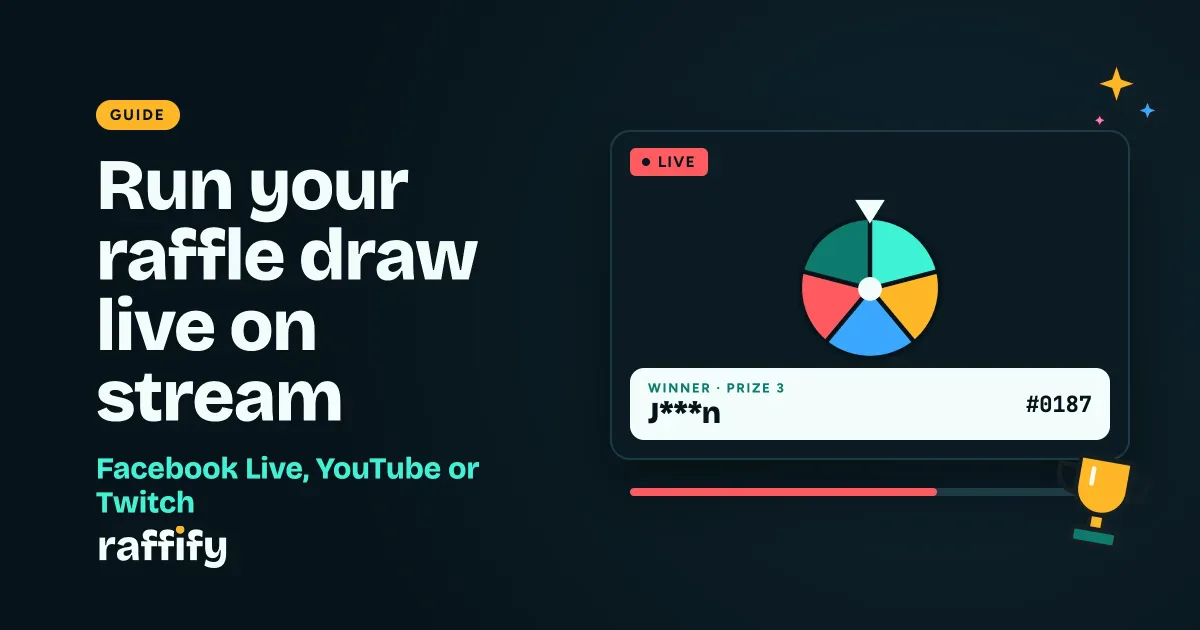
More raffles happen on a stream now than on a stage: a page's giveaway night, a club's online party, a team half in the office and half at home. Running a raffle on Facebook Live, YouTube or Twitch is easy. Making it feel fair to people watching through a screen takes a bit of planning. Here's how.
Before you go live
1. Pick how people enter
For a stream, people usually join on their phones:
- A sign-up link for an online community or a public giveaway. Post it on your page or pin it in the stream chat.
- Codes for a hybrid event: hand printed codes to people at the venue, and send the rest in your group chat.
- Email invites for a team or club where you know everyone.
Not sure which? Our guide to printed tickets, codes or an online sign-up compares them.
2. Put your stream on the raffle page
Paste your stream link into the raffle settings: a YouTube video or live stream, a Twitch channel or video, or a public Facebook video or Live. The player shows on the raffle page before, during and after the draw, so people who open the page can watch from there, and people who arrive late can replay it.
3. Close entries before you start
Close entries on air, so everyone sees the list close. (How fairness works.)
Show the draw on your stream
The Stage is the screen your audience watches: the wheel, the reels or the drum, then the winner card. There are two ways to get it on your stream.
The simple way: share your screen. Open the Stage in a browser window and share that window in your streaming app or video call. It works on every pass.
The pro way: the OBS overlay. On the Grand pass you get an overlay link made for streaming software. Add it in OBS as a Browser Source (1920 × 1080) on top of your camera, and the draw plays over your video with a LIVE badge and a winner banner along the bottom. The background is see-through, so you stay on screen the whole time. Copy it from the raffle's live draw panel (Copy OBS Overlay Link).
Either way, run everything from the Remote on your phone: start the draw, tap Draw! for each prize, and handle claims, without touching the computer that's streaming.
What viewers see on their phones
People who open the raffle page during the draw follow along:
- On every pass, a live card shows which prize is being drawn and each winner as it's revealed.
- On the Grand pass and up, the page plays a small copy of the Stage, in sync with your stream.
- In a big draw, people see "You're a finalist!" when they make the finalists round.
Stream delay doesn't matter: the winner is already picked on the server, so someone who's ten seconds behind sees the same result.
Claiming a prize online
The hard part of an online raffle is the winner who isn't watching. Set a claim rule before you go live and say it on air:
- Invites and sign-up links: the winner's account is the proof, so they don't need to show anything.
- Codes: the winner shows or reads out their code.
- Give a short countdown if the winner must answer live, or let winners claim later. If nobody claims, mark the prize Not Claimed and re-draw it. Every re-draw is recorded with its reason.
A quick run-of-show
- Go live a few minutes early and pin the raffle link.
- Say the claim rule.
- Close entries on air.
- Draw from the smallest prize up to the grand prize.
- Say each winner's name as it lands.
- After the stream, point people to the raffle page, where the winners and the fairness proof stay up.
Livestream raffle FAQ
Does a raffle on Facebook Live need Facebook comments to enter? No. People enter through the raffle page (a link, a code or an invite), so you don't have to count comments, and nobody is missed.
Which streaming sites work? YouTube, Twitch and Facebook. The stream link can be added on any pass.
Do I need OBS? No. Sharing the Stage window works on every pass. The OBS overlay is for streamers who want the draw over their camera.
Can viewers check the draw was fair? Yes. The fairness proof is published on the raffle page after the draw, and anyone can check it. See how to run a raffle draw people can trust.
Share this post
Run your next raffle here
Free to join for everyone, with a live draw anyone can check.